
Marketing
Make sure the emails you send actually reach people.
Connect your mailbox, check addresses as they come in, and keep a do-not-email list that every part of CRM-NG respects, from campaigns to nurture emails.
Why it matters
Quotes, invoices and newsletters that never arrive cost you money and you rarely find out. Typos like gmial.com sit in your records for years, bounced addresses keep getting mailed, and one bad send can hurt your domain's reputation with every client.
Email delivery and address checks in detail
-
Connect in one click
Sign in with Google or Microsoft from the setup wizard; your sender name and address follow your business details.
- Credentials and tokens stored encrypted
- A test email confirms everything works
-
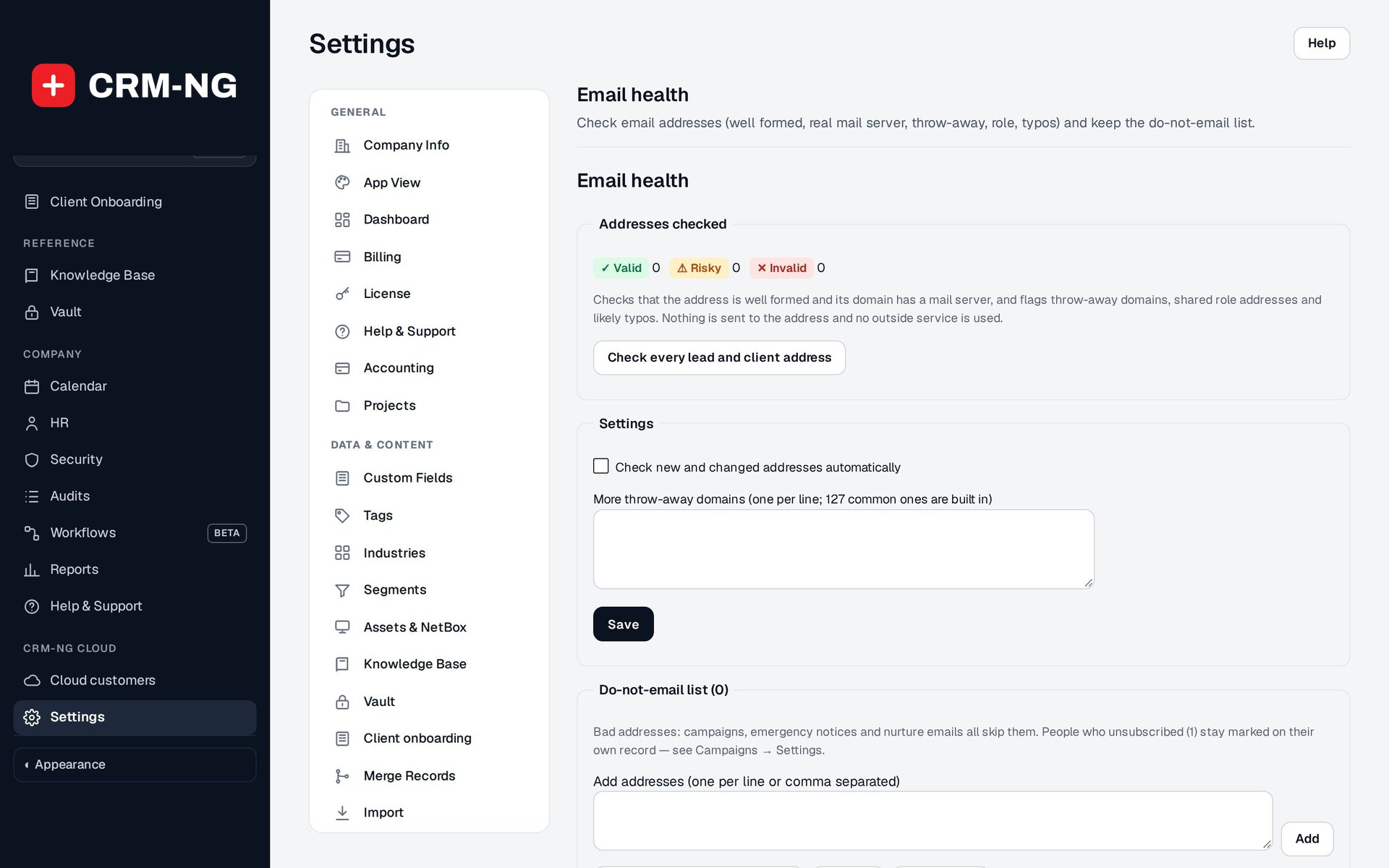
Address checks
New and changed lead and client addresses are checked in the background, without any outside service.
- Invalid: badly formed, or the domain takes no mail
- Risky: throw-away domain, shared role address such as info@, or a likely typo with the suggested fix
- Check every lead and client address in one pass
-
Do-not-email list
One list of addresses that must not be emailed, with the reason for each.
- Bounced and marked-as-spam addresses added from the delivery log
- Add, search, remove and export to CSV
- Campaigns and nurture emails skip every address on it
-
Delivery you can see
A warning bar appears when sending starts failing, and campaign reports show delivery results.
- An Email address card on each lead and client page
- Email them again once a problem is fixed
Questions
Does the address check send test emails to people?
No. It checks the address format and whether the domain accepts mail, and spots throw-away domains, role addresses and likely typos. Nobody is emailed.
Is unsubscribing the same as the do-not-email list?
No. An unsubscribe is stored on the person and can be reversed if they opt back in. The do-not-email list holds facts about the address itself, such as a bounce, a spam report or an invalid domain.
Will checks slow down my web forms?
No. Addresses are checked in the background shortly after a record is saved.
More about Marketing
- Lead Intelligence
Lead Intelligence turns consented website visits into accounts, intent scores and buying stages, alerts your team when an account turns hot, and shows which channels really bring in revenue.
- Marketing overview
See Marketing running on your own data.
Every module runs on CRM-NextGen Cloud: we set it up and run it for you. Beta members get the first invites and hear pricing first.