The CRM-NG Guide
Run your whole client operation from one workspace
Clients, sales, support, projects, billing, documentation and your team, on one record per customer. This guide shows every screen, step by step.
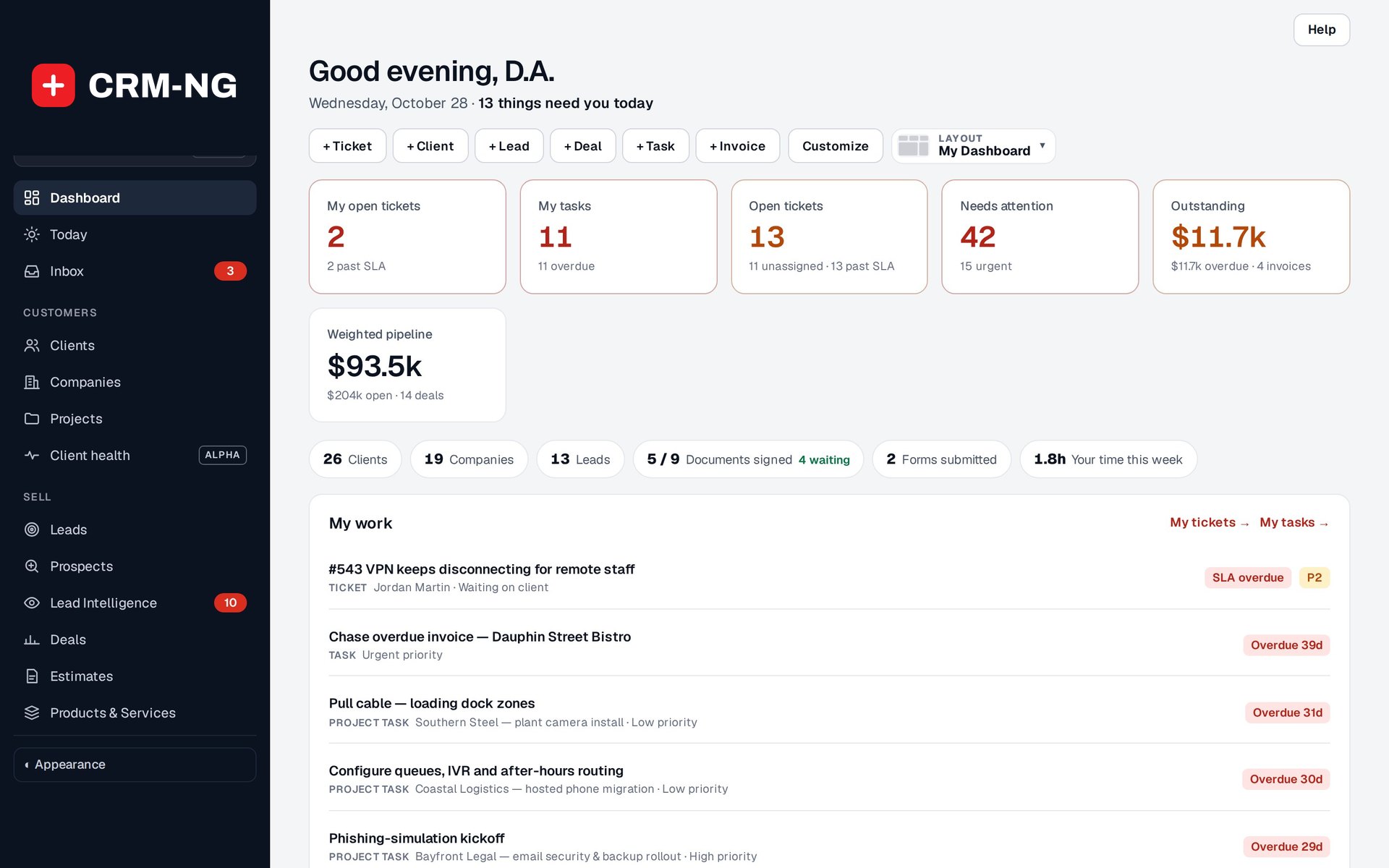
Where would you like to start?
Everything a service business runs on
-
Every person and organisation on one page, with their deals, tickets, invoices, documents and emails.
-
Leads, prospects, a deal board and estimates that become invoices in one click.
-
Tickets from the portal or by email, service plans with response targets, and a timer that bills at the right rate.
-
Task lists, a board, a timeline, sprints and templates for the jobs you repeat.
-
Invoices on your letterhead, card payments, and books that update as payments arrive.
-
Articles for staff, clients and the public, a document library with e-signature, and onboarding forms.
-
Employees, time off, approvals, training, reviews and recruitment, with a self-service portal.
-
Passkeys and two-step sign-in, roles and permissions, and one audit trail across everything.
Up and running in four steps
- Sign upPick your workspace address. It is ready in seconds.
- Run the setup wizardYour company, your kind of business, timezone and rates.
- Add your first clientThen a deal, an estimate and the invoice it becomes.
- Connect your emailOne click for Gmail or Microsoft 365, then invite your team.
Switch on what you need, when you need it. CRM-NG is a core with modules for each area of the business. Switching a module off never deletes its data; its screens step aside until you switch it on again. Editions and modules · A working day in CRM-NG · Prefer to host it yourself? Self-hosted edition