
Team Spaces
A home for every team, with its purpose, links, people and checklist.
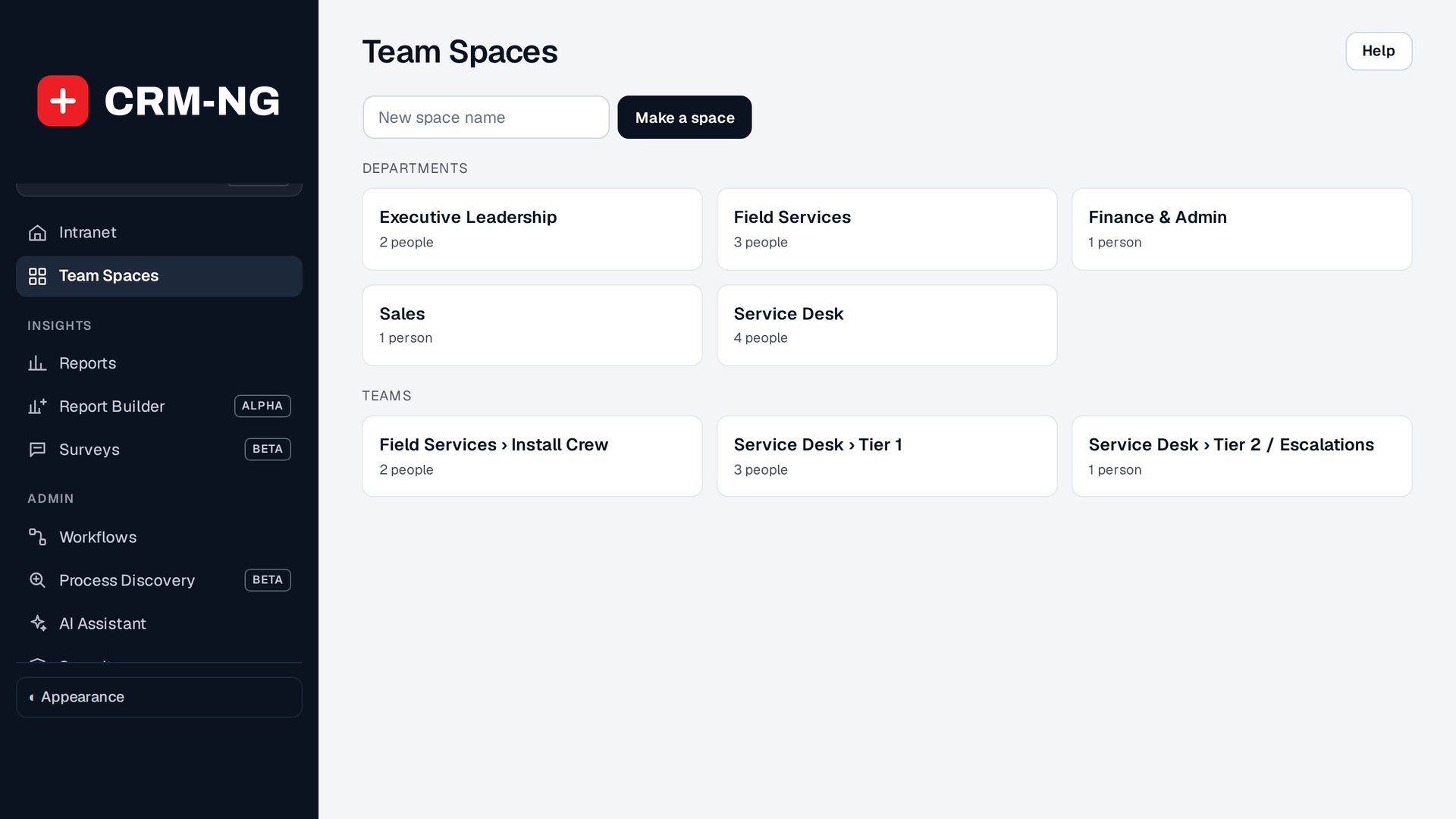
Every department and team gets a space automatically, and you can make your own for projects or committees.
- A space per department and team
- Links, people and a checklist
- Make your own spaces
- On the intranet
Why it matters
Each team keeps its links, contacts and to-dos in a different place, and new members have to ask around to find them.
-
Everything in one place
Each team's links, people and checklist together.
-
Always up to date
Department and team spaces follow HR.
-
Shared checklists
Recurring team tasks ticked off together.
How it works
-
Spaces appear
One per HR department and team.
-
Fill them in
Purpose, links and a checklist.
-
Make your own
Choose people by department, team or name.
What Team Spaces does
Teams that want their links and to-dos in one place.
-
Automatic spaces
Every department and team in HR gets one, with its people.
-
Your own spaces
For projects, committees or anything else.
-
Links
A label and an address for each.
-
Shared checklist
Anyone in the space can tick items off.
-
Grouped
Departments, Teams and Other spaces.
-
On the phone
Team spaces have their own phone screen.
Who it is for
-
An IT provider / MSP
A space per service team with its runbooks and vendor portals.
-
A professional-services firm
A space per practice area.
-
Any business
A space for a project group or committee.
Questions
Do we need HR?
For automatic department and team spaces; your own spaces work without it.
Who can edit a space?
People in the space.
Can a space be private?
Spaces show to the people in them.
Does it work on a phone?
Yes.
See Team Spaces running on your own data.
Every module runs on CRM-NextGen Cloud: we set it up and run it for you. Beta members get the first invites and hear pricing first.