Sprints and shared backlogs
Agree on the work your team can take on next.
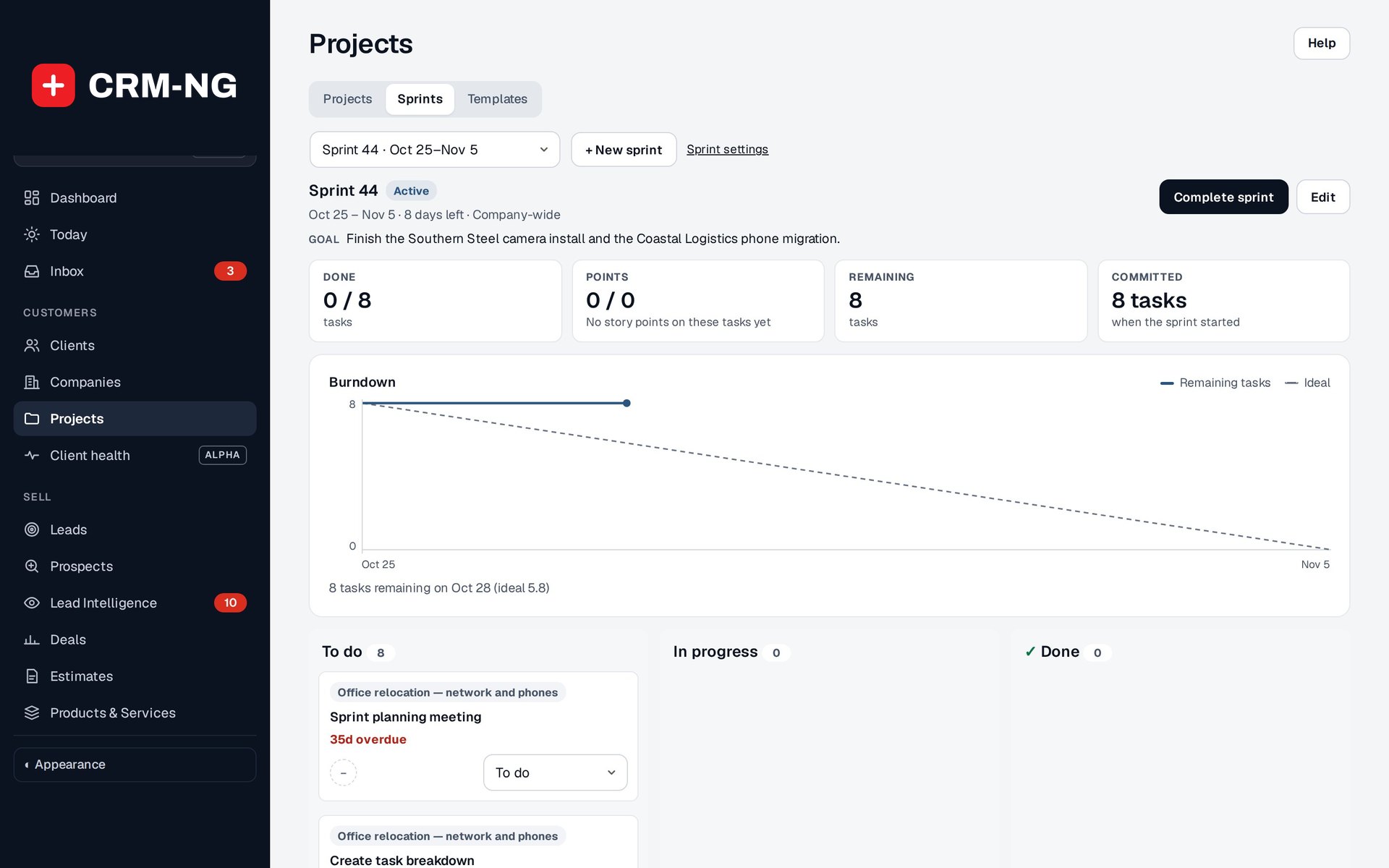
The active sprint shows its goal, done and remaining tasks, a burndown chart and the board of its tasks.
Your team may be working on several projects while also handling internal improvements and smaller tasks. A sprint lets you choose a set of that work for a defined period and give the team a common goal.
In CRM-NG, sprints can cover the company or a particular department or team. You choose tasks from the backlog, check who will do them and review any dependencies before starting the sprint. The work can come from more than one project.
Keep the plan useful when priorities change
Starting the sprint records the initial commitment. Burndown charts show how much work remains, while recent velocity helps with planning the next period. If the scope changes during the sprint, you can review the added or removed work when interpreting the chart.
At the end, unfinished work can move to the next sprint or return to the backlog. This gives the team a deliberate point to discuss what changed and what should happen next.
Estimates are most useful when the team uses them consistently. Points are a way of discussing the size of work; they do not automatically translate into hours or measure an individual's productivity.
The screenshot shows the sprint setup form. No production sprint was created for this guide.
Read more: Planning and completing a sprint · Task dependencies