Onboarding
One onboarding for customers, new staff, contractors and vendors: the right questions, the right people, and the answers written into your records.
Needs: Onboarding module (with the Vault, which keeps answers sealed)
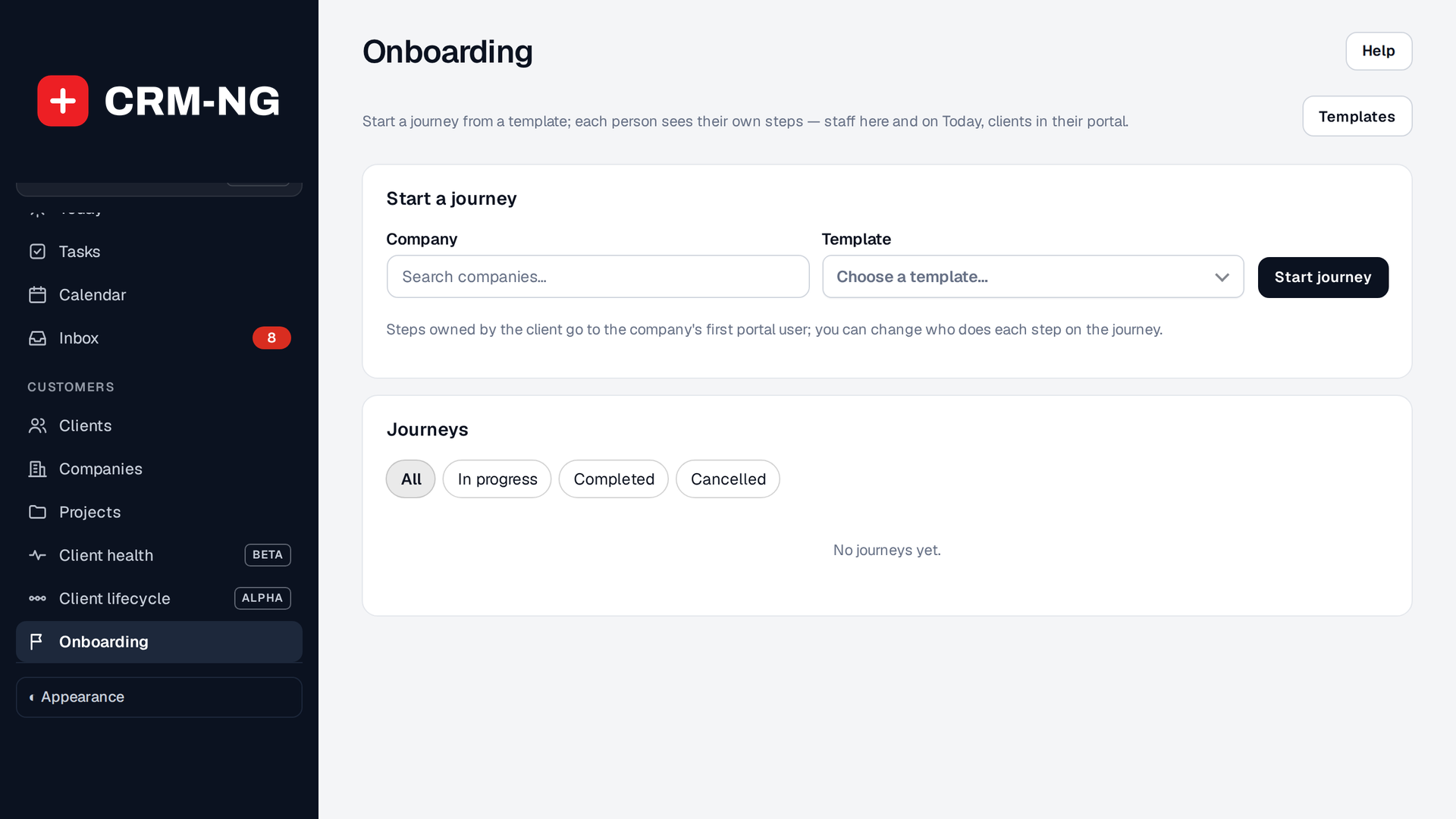
Onboarding: start a journey for a company from a template; every journey is listed below with its progress.
An onboarding journey follows a template through its steps. Each step belongs to a role (the client contact, a technician, the account manager, HR, finance, a manager, the new starter, a vendor contact or staff), has questions and file requests, and opens when the step before it is done. At the end, a review step applies the answers to the client's records.
Choose a template
Templates are grouped by who they are for: Customer, Employee, Contractor and Vendor. CRM-NG includes templates for IT clients, staff joining and leaving, and industries such as law firms, accounting, medical and dental, construction and trades, real estate, retail and restaurants, manufacturing, nonprofits and website clients. Use one as it is, copy it, or build your own with New template.
Questions can be text, numbers, dates, emails, phone numbers and addresses, choices, yes/no, tables (one row per location or contact, with + Add another), files, and links to a staff member, client or company, which pick the real record rather than a typed name. When a client answers in their portal, a question such as "Their manager" offers the people at their own company. A question can show only when an earlier answer calls for it. Each has a short explanation underneath so everyone knows what is being asked.
Templates are versioned: changing one never changes a journey already running on the earlier version.
Start a journey
On Onboarding, pick the company and the template and choose Start journey. Steps for the client go to the company's first portal user; staff steps go to you unless someone is chosen. Change who does each step on the journey.
For an employee or contractor template, pick your own company and Who is starting?. Their own steps go to them, and files you accept on their journey (a photo ID, a signed contract) go to their HR documents, encrypted and visible only to people with HR access, with any expiry date kept. Without HR, they go to your company's Vault under HR, in a folder for that person.
Journeys can also start by themselves. The Workflow library has ready-made Onboarding workflows, for example start onboarding when a lead becomes a client, or start offboarding when a client leaves.
Work through the steps
Open a step, answer, and choose Save answers; mark it done to move to the next. Files sent by the client can be accepted or sent back with a note. Each person is told when a step is waiting for them, and reminded before it is due. Clients work on their steps in the client portal; staff can also use the phone app, including the camera for files.
The journey's header shows its status, how many steps are done, and Cancel journey (answers are kept) or Delete.
Review and apply
The last step lists what the answers will do, such as update the company, add contacts and locations, and file accepted documents and system records in the client's Vault. Apply them and each change is recorded with a receipt, so you can see exactly what came from onboarding.
Choose the appropriate tool
Use Lead Forms for public inquiries, onboarding for everything you need from a new client or hire, Client lifecycle for the short checklist of documents and handover, and Service Wizard for a guided assessment of service needs.