Adding and maintaining employee records
Link an employee to their account and keep their personal, job and access details up to date.
Needs: Pro · HR
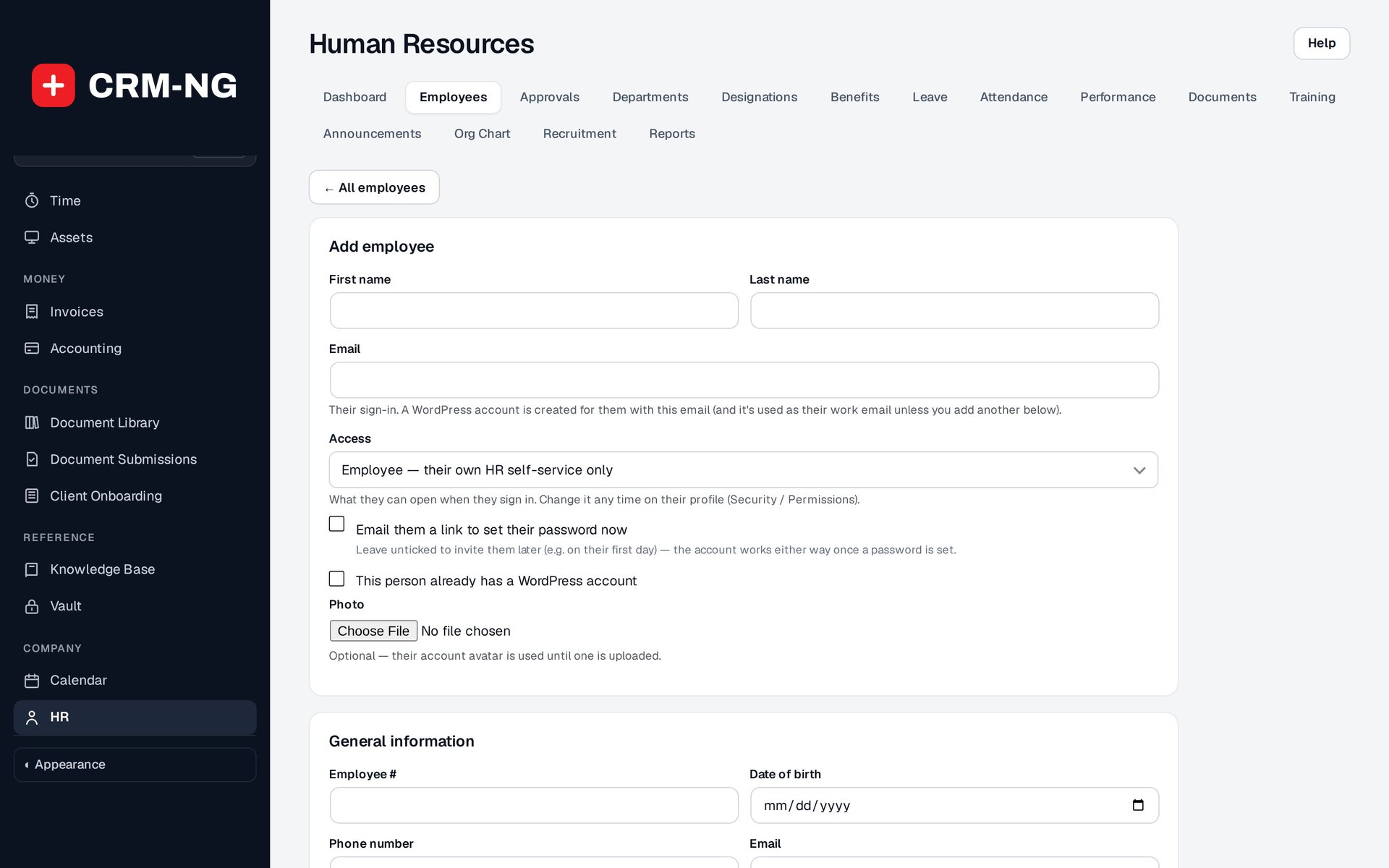
The Add Employee form collects personal, account and job details. It was left blank and no employee was created.
An employee profile is linked to a user account, which is their sign-in. It contains general and job information, reporting relationships, optional pay and benefits, and the person's related HR records.
Add an employee
- Open HR → Employees → Add and enter the name and email.
- Choose to create an account or link an existing one. The supported flow can link an existing email unless that account already has an employee profile.
- Select the appropriate access role. Changing account roles requires permission to change other people's access.
- Enter the employee's job details and reporting line, then save.
- If offered, choose whether to send a password-setup email. It is optional.
The work email can default to the account email. Check both fields if your organization uses a different address for login and work contact.
Update the profile
Open the profile and use the Edit control for the section you need. General information can include a photo, employee number, birth date, contact details and emergency contact. Job information includes department, team, designation, manager, location, employment dates and type, such as full-time, part-time or contractor.
Available employee statuses include active, on leave and terminated. Pay-authorized users can maintain hourly or salary information. Setting the employment status does not necessarily suspend the linked account's login; include that account action in your offboarding process.
Review access and changes
Authorized administrators can review role assignments in Permissions and login protection in Security. History shows field changes, while pay details remain restricted to users with pay access.
Use the HR notes guidance before recording an observation intended for a limited audience. General profile information, internal notes and performance reviews have different purposes and visibility.