A working day in CRM-NG
One pass through the product, in the order a working day uses it: find, sell, serve, bill, document. Each section names the module that brings the feature, so you can see what each edition includes. Click any screenshot to see it full size.
Start the day: what needs you
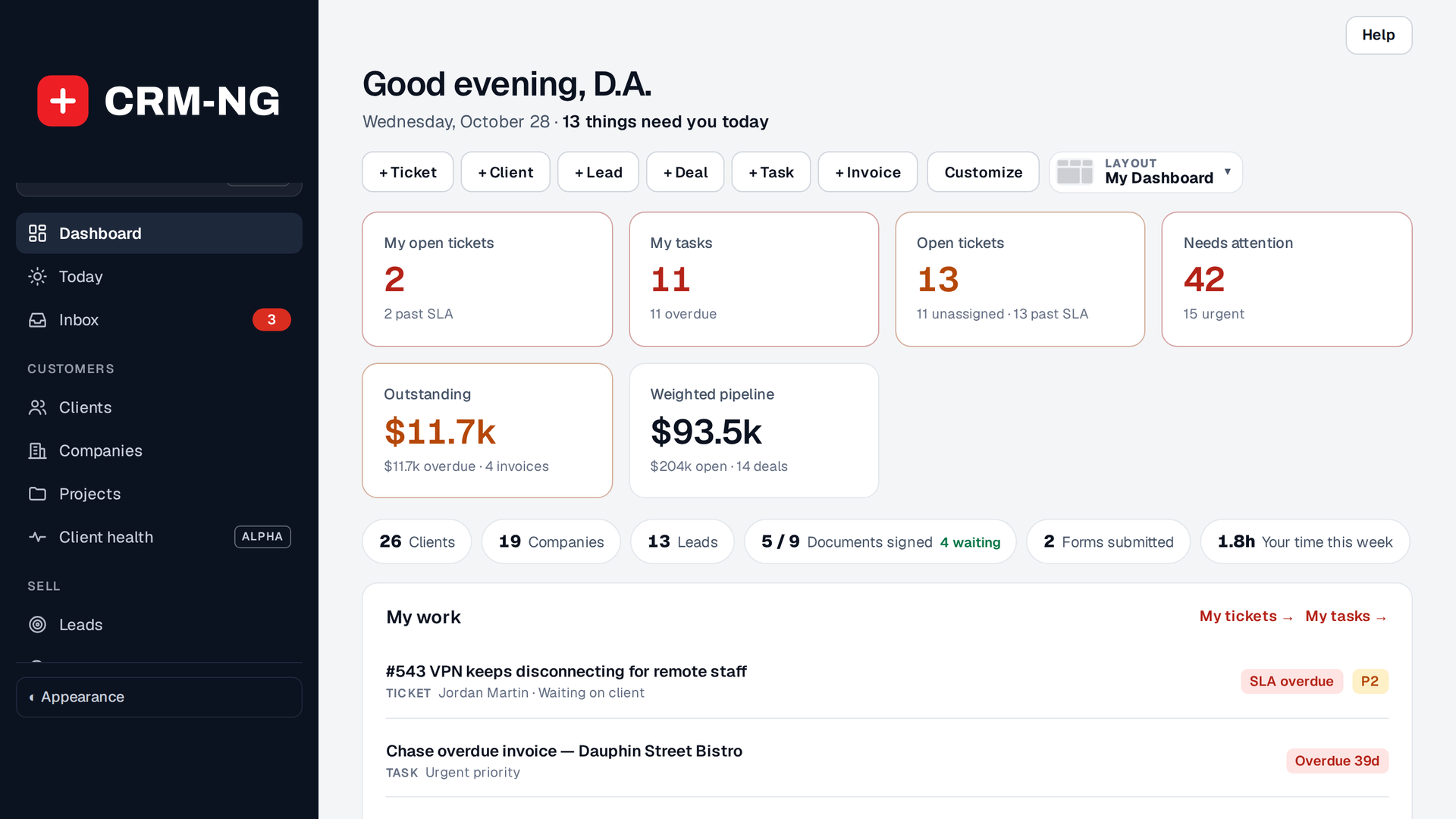
The dashboard opens on what needs attention: overdue tasks, tickets close to their target, deals that have gone quiet, and the records you pinned. The headline counts are live. With Pro, choose a dashboard layout and add quick links to the screens you use most. The search box at the top finds a client, company, ticket, invoice or article from one place.
Clients and companies (Core)
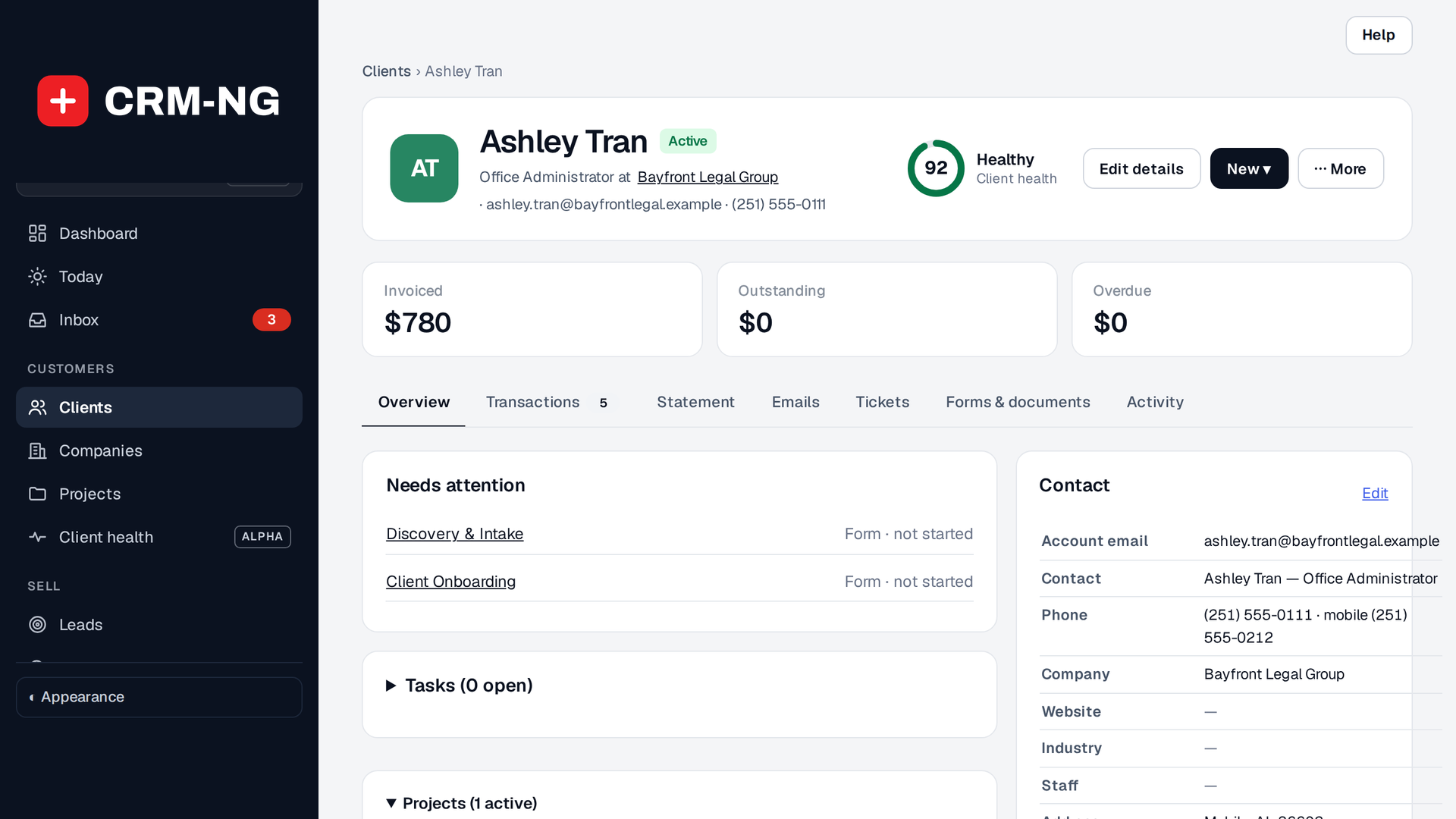
A client is a person: contact details, a stage, tags, notes with author and time, tasks, and every deal, ticket, document, invoice and form linked to them on one page. Phone numbers are stored as digits and shown in your local format, so searching for part of a number finds them. Duplicates can be merged, keeping the record you choose.
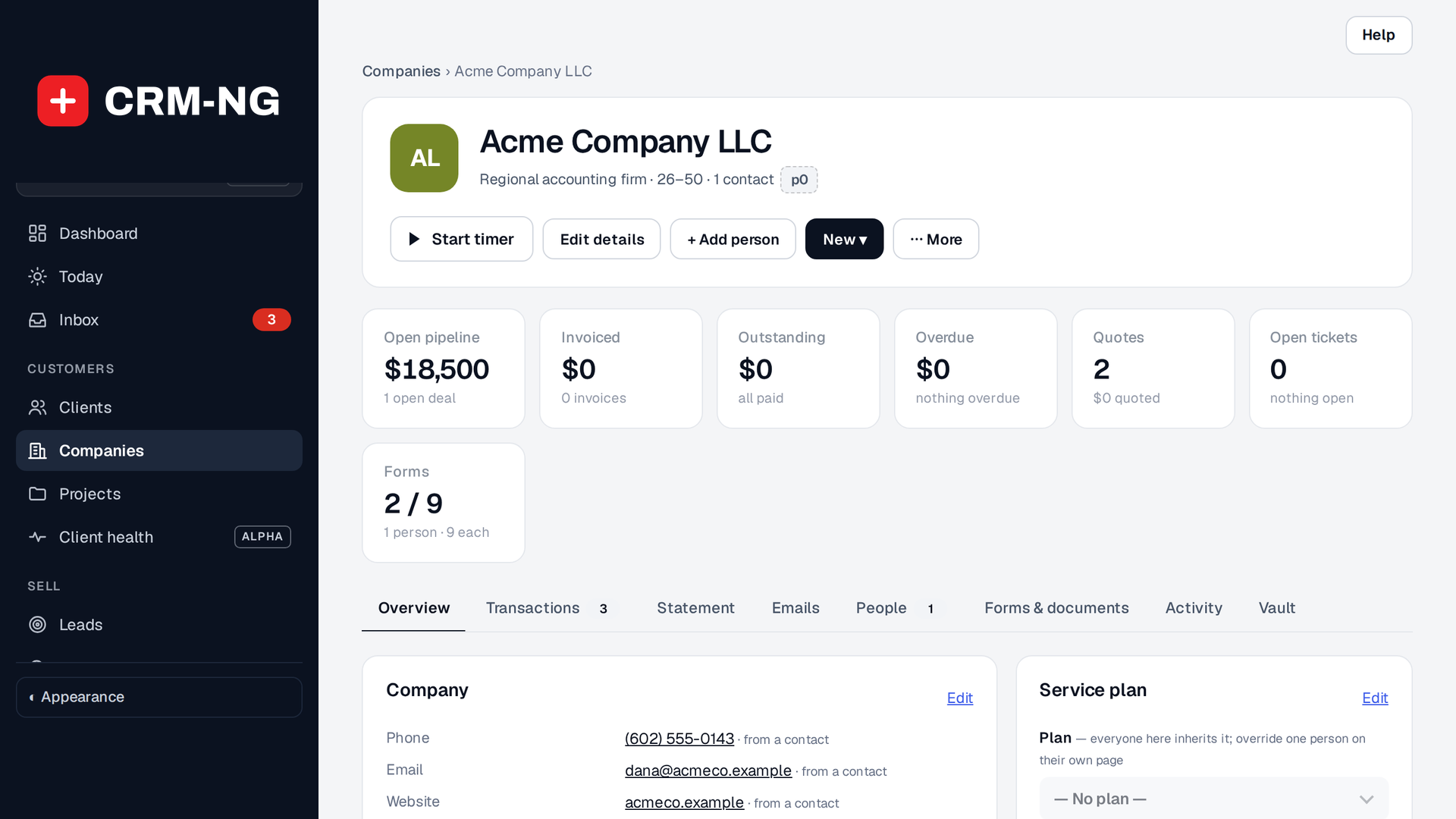
A company groups its people, deals, tickets, documents and invoices, and carries the legal name, trading name and address. The Overview shows the service plan, open work and money in three columns. A Vault tab appears when the Documentation Vault is on.
Sell: from lead to estimate (Sales)
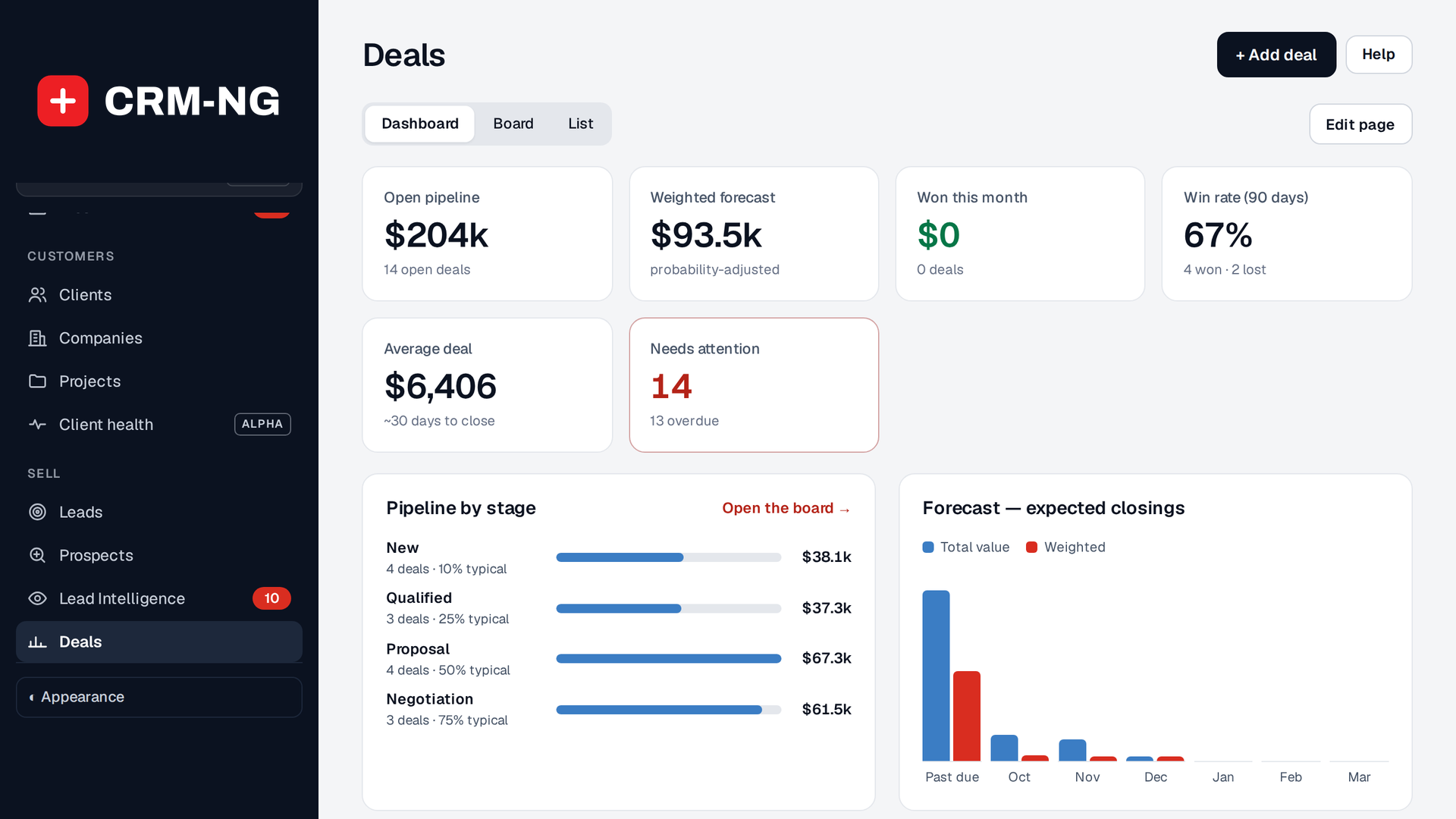
Deals carry a value, an expected close date, the client and company, and the products or services you expect to sell. In CRM-NG Live the pipeline is a board: drag a card to move it to the next stage. Estimates are built from the deal with line items from your Products & Services list, discounts, tax and your terms, and are emailed as a PDF on your letterhead. When the client accepts, Convert to invoice hands it to Accounting.
Serve: tickets, plans and time (Service Desk)
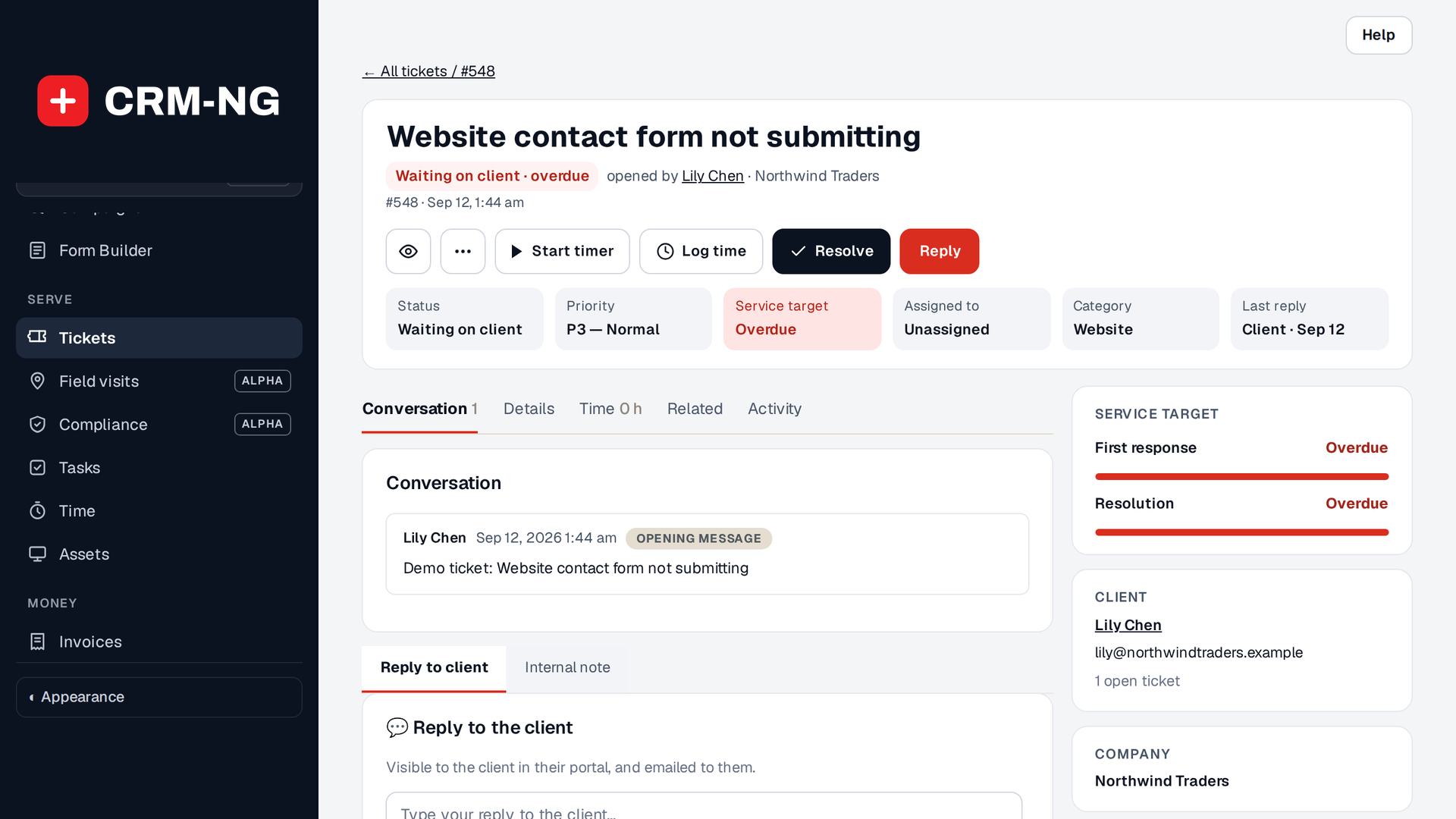
Tickets arrive from the client portal, by email, or from your team. If the client has a service plan, the ticket shows its response and resolution targets, and the clock pauses while you wait on the client. Start the timer when you begin and stop it when you finish. The time is billed at the client's rate, else the staff member's rate, else your default rate.
Bill: invoices and payments (Accounting)
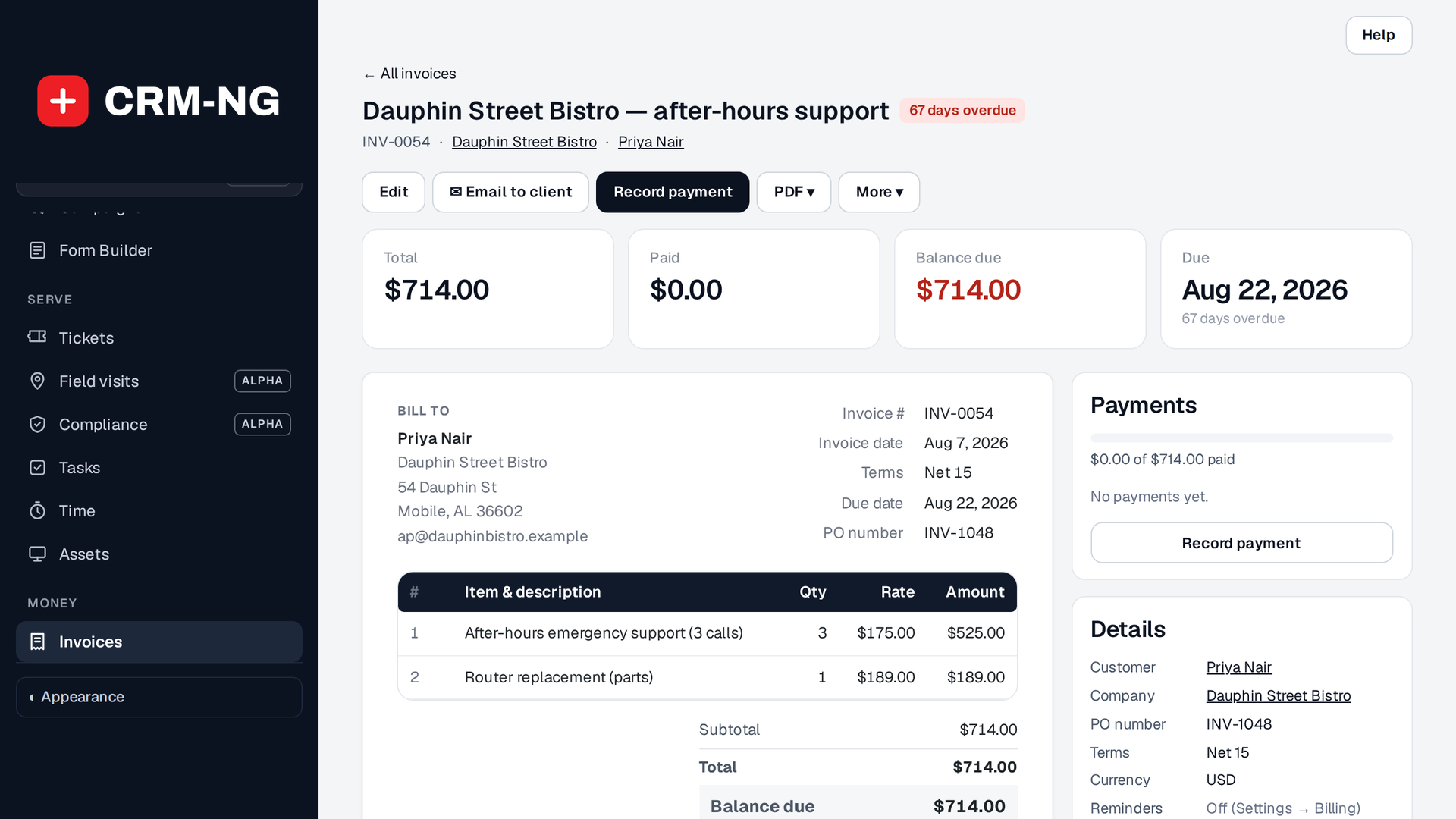
Invoices pull in logged time and catalogue items as line items, print on your letterhead, and can be paid by card when Stripe is connected. Recording a payment, by hand or from Stripe, updates the books.
Document: for staff, clients and the public (Knowledge Base)
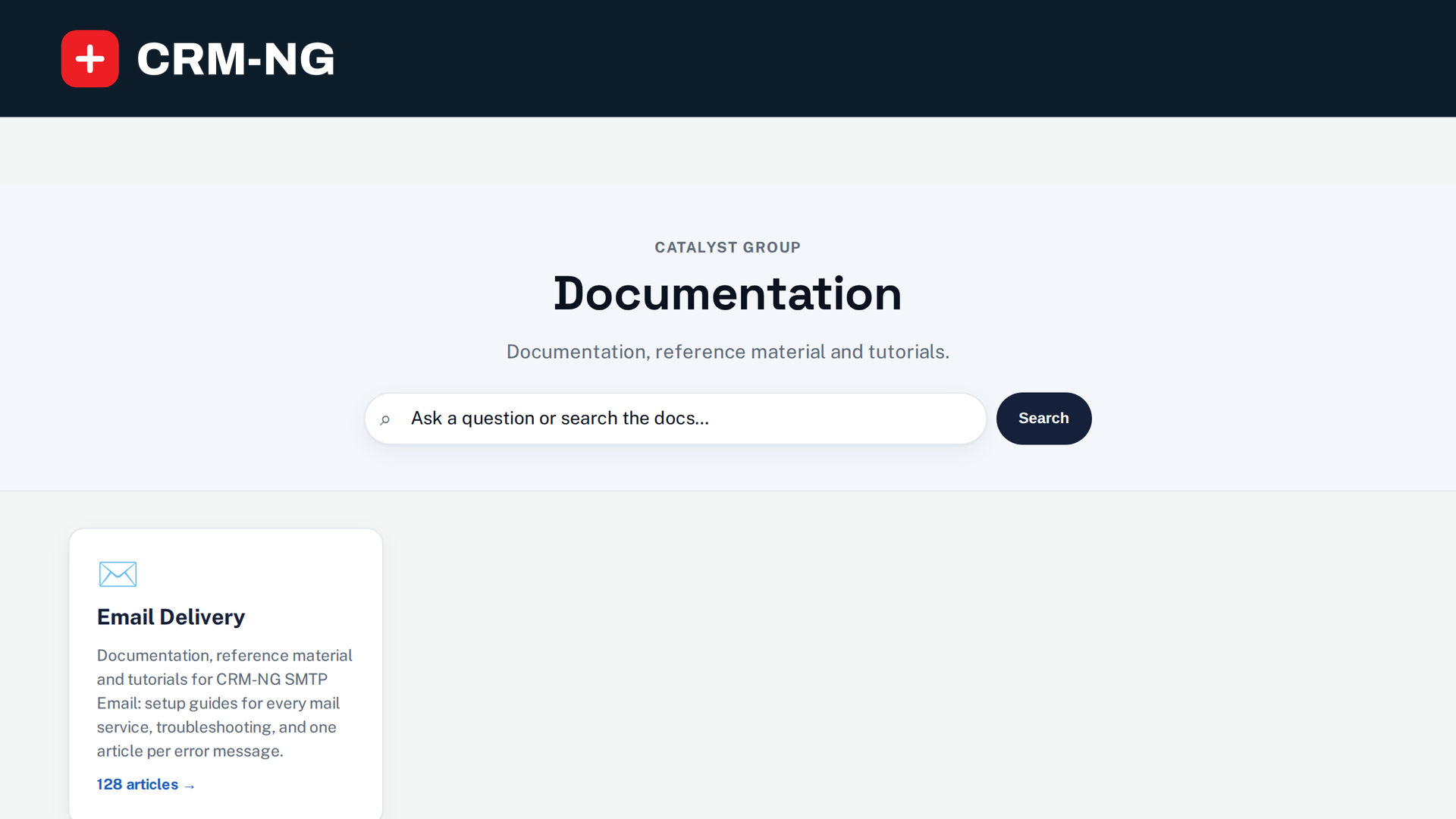
One set of articles, with a visibility per article: Staff only, Clients (shown in the portal) or Public
(published on your website under /docs/, with search, a table of contents and "Was this helpful?").
For IT providers: the Documentation Vault (Enterprise)
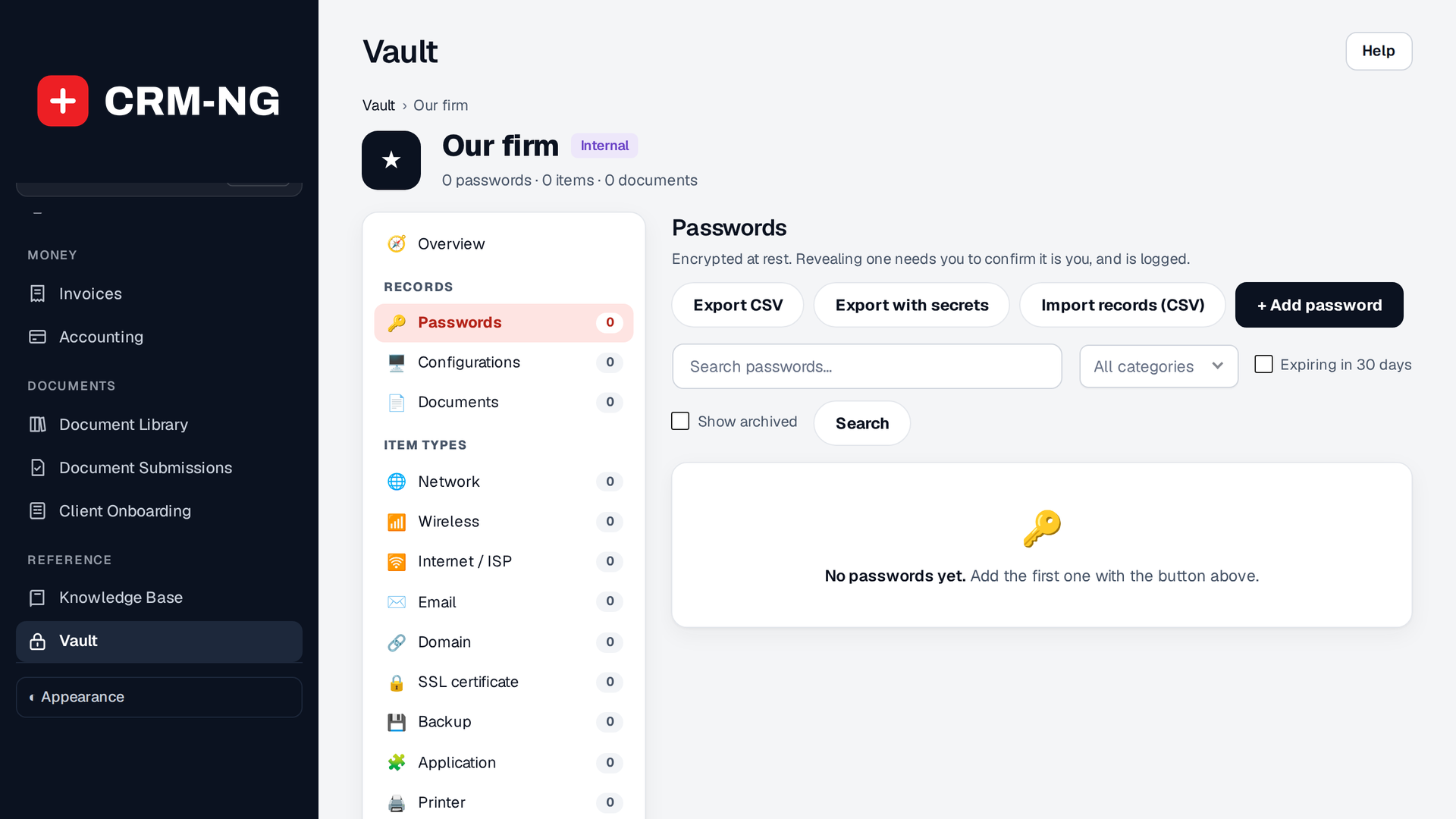
Each client company gets a vault: networks, wireless, internet, email, domains, certificates, backups, applications, printers, contracts, licences and locations; encrypted passwords revealed only after you confirm your own password; runbooks with version history; and the links between them. Documents and attachments are encrypted at rest, and staff open only the companies they are assigned to.
Ready to set it up? Go to Getting started.