Leads and conversion to clients
Keep track of an inquiry before the person needs a client account.
Needs: Core
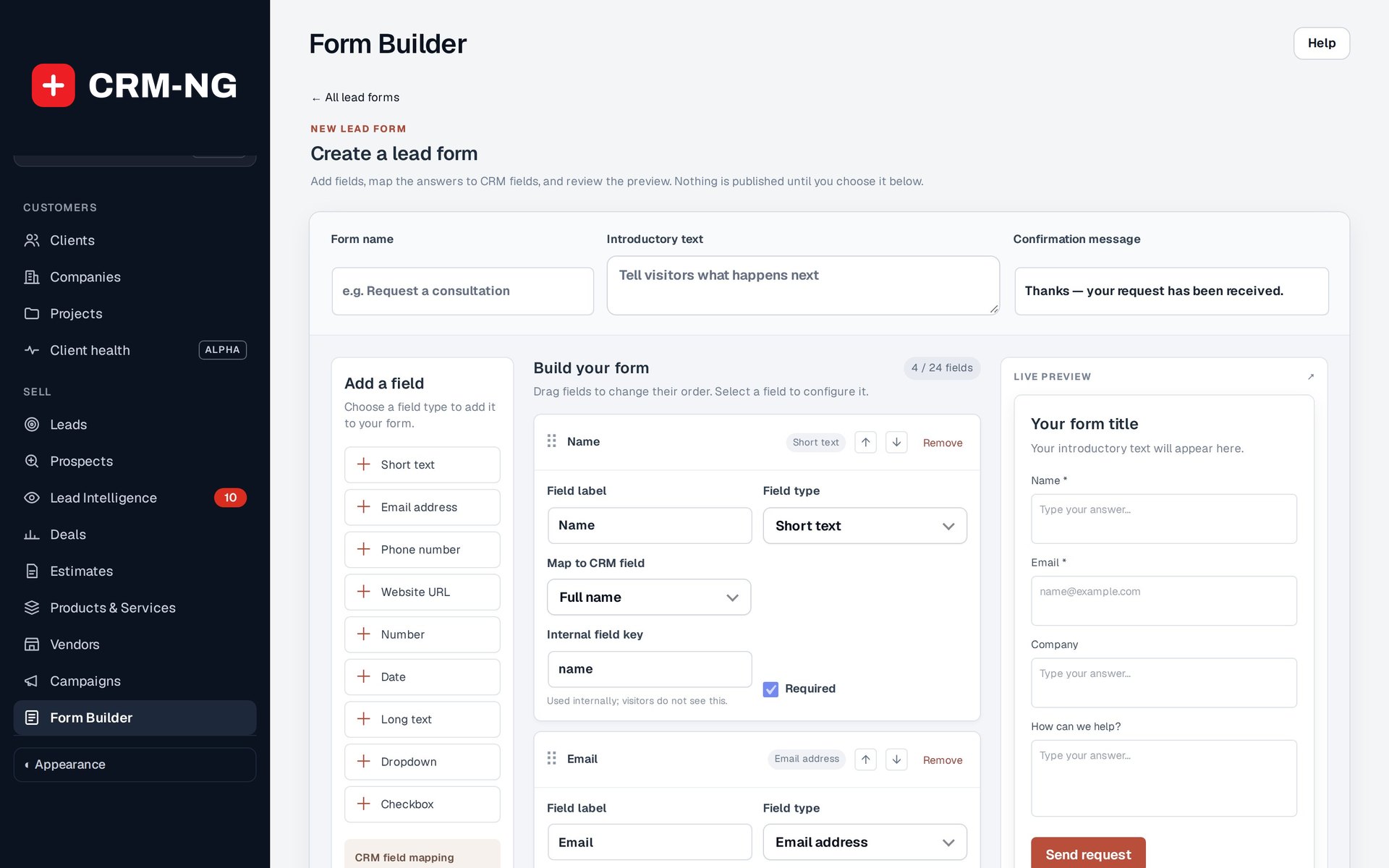
The Form Builder shows fields, answer mappings and a preview. This example was not saved or published.
Leads are contacts who do not yet have a client login. Staff can enter them directly, or a published lead form can create them. A lead record gives you a place to keep the source of the inquiry, contact details, company, notes and follow-up tasks while you decide what to do next.
Work through an inquiry
- Search existing leads and clients by email and company.
- Create or open the lead and record enough information to explain the inquiry.
- Set the owner, stage, tags and follow-up date available on the record.
- Add a task for the next action. If you are discussing a specific piece of paid work, create a linked deal.
- Record the outcome of each conversation in a note and update the next action.
The lead identifies the person. The deal describes an opportunity, including its value, sales stage and expected closing date. You may need both records while discussing a sale.
Give the person a client account
Use the conversion action when the person needs a client account. Check their identity and any existing account matches first. The conversion flow creates the client's sign-in account and archives the lead. If an invitation or welcome email is offered, check the address and choose whether to send it.
Open the resulting client record and check the company, contact information and connected history. Then assign the onboarding forms, documents and portal permissions the person needs. A deal being marked Won does not mean that every contact associated with it needs a login.
Check information received through a form
Lead Forms maps answers into lead fields. Answers without a field mapping are kept in a private note. The form preview does not create real submissions, so test the published form when checking the result.
Lead Intelligence may add visitor and campaign history when the consent and identification requirements are met. An anonymous visit alone does not reveal the visitor's identity.